Understand how page size, scale, and file format affect PDF page image exports.
Test record and current workspace
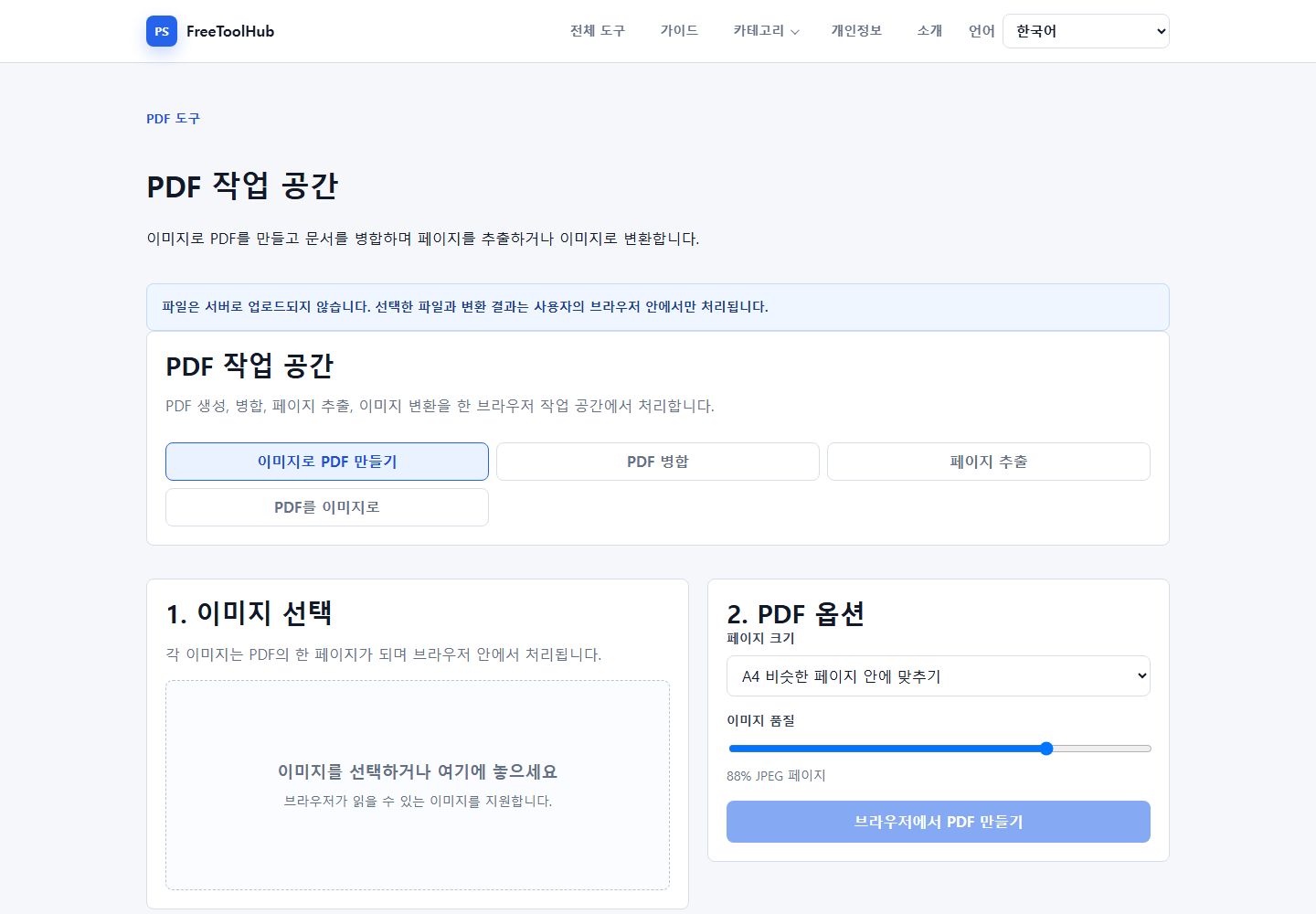
This is a capture of the published workspace used for the guide. The record below separates what was tested, what was observed, and what still depends on the browser or device.
Current published workspace used while checking “Choosing quality for PDF to image conversion”.
Test environment
Chrome 126+ · Windows 11 · PDF.js · local rendering
Test case
PDF pages · 1× / 2× / 3× render scale
Observed result
The published PDF workspace exposes PNG, JPG, and WebP output, 1x, 1.5x, and 2x rendering scales, and a 30-page limit per run.
Known limit
Encrypted, damaged, unusually complex, or very large PDFs can exceed PDF.js or browser-memory limits.
Scale controls sharpness
Higher scale values render sharper page images, but they also use more memory and create larger files.
Use lower scale for previews.
Use higher scale for print or detailed diagrams.
Test one page before rendering a long PDF.
PNG is predictable
PNG keeps text and line art crisp, while JPG can be smaller for image-heavy pages.
Use PNG for documents and screenshots.
Use JPG when photos dominate the page.
Keep the original PDF until exports are checked.
Complex PDFs can fail
Encrypted, huge, or unusual PDFs may not render in every browser.