Troubleshoot browser support, file condition, and recovery limits when HEIC or HEIF photos will not convert.
Test record and current workspace
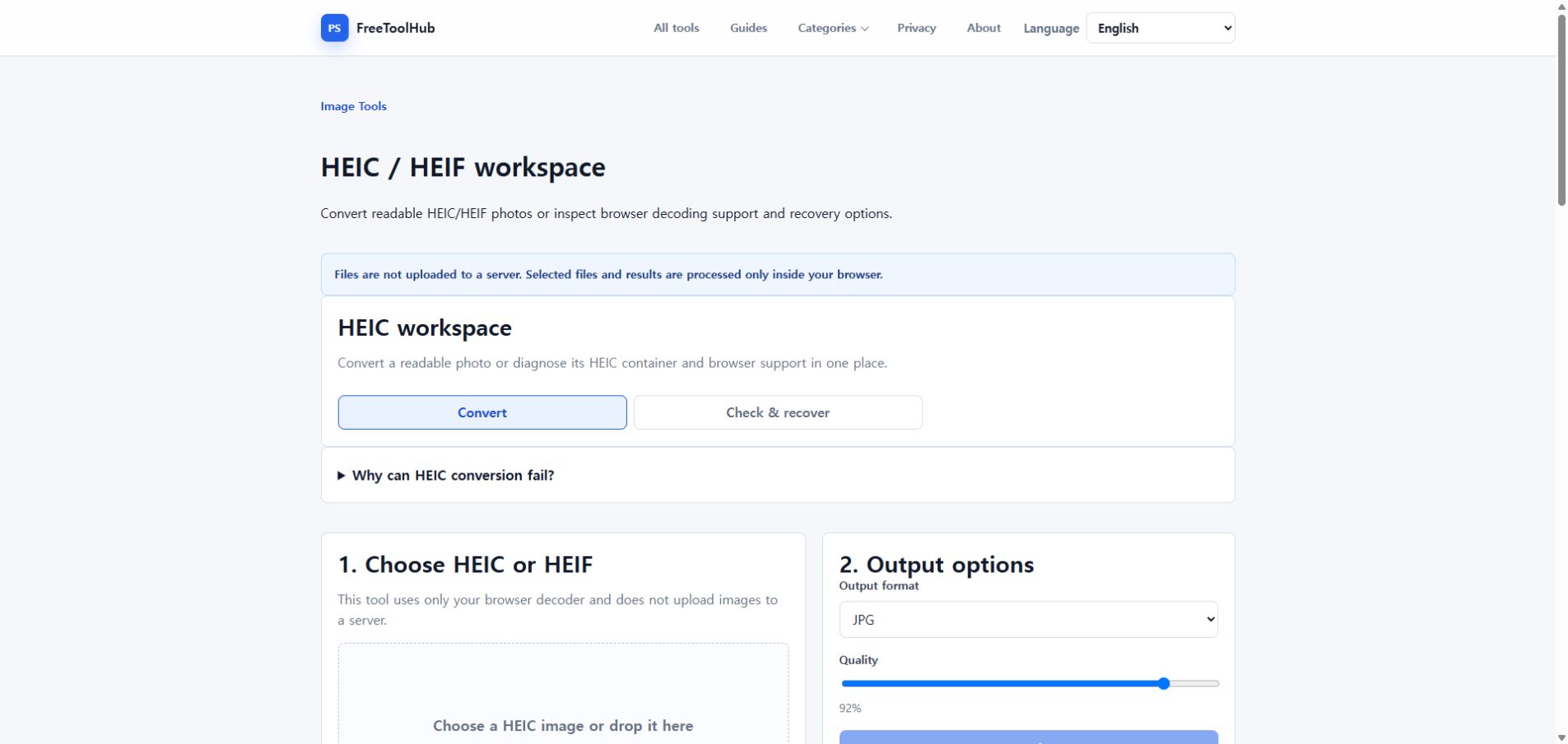
This is a capture of the published workspace used for the guide. The record below separates what was tested, what was observed, and what still depends on the browser or device.
Current published workspace used while checking “What to check when HEIC conversion fails”.
Test environment
Chrome 126+ · Windows 11 · HEIC / HEIF samples
Test case
HEIC · HEIF · container · pixel decode
Observed result
Container recognition and actual pixel decoding were checked separately with HEIC, HEIF, and a deliberately renamed non-HEIC file.
Known limit
A valid HEIC container does not guarantee that every browser can decode its codec or recover damaged image data.
Check browser decoder support
A browser-only HEIC converter depends on whether the browser and operating system can decode the file.
Try Safari or a device-native browser when possible.
Try another modern desktop browser.
Use the HEIC file checker before assuming the file is broken.
Check the file itself
Some HEIC files have readable metadata but damaged or unsupported image streams.
Confirm the file opens on the original device.
Avoid editing the file extension manually.
Keep the original until export succeeds.
Know the recovery limit
Browser tools can export images they can decode, but they cannot rebuild severely corrupted HEVC image data.
Valid headers do not guarantee a usable image.
Try JPG first for compatibility.
Use PNG when preserving transparency or lossless output matters.